Top 5 AI Image Editors in 2026: Complete Comparison Guide
Looking for the best AI image editor in 2026? We tested Adobe Firefly Image 5, Canva Magic Studio, Luminar Neo, Pixlr, and more. Compare features, pricing, real user opinions, and results.
AI image editing has reached new heights in 2026. Adobe Firefly's Image Model 5 brings layered editing, Luminar Neo introduced Light Depth for 3D lighting control, and AI editors now handle complex multi-element transformations that were impossible just a year ago. We spent 60+ hours testing the top AI image editors to help you find the right tool.
Quick Answer: For maximum flexibility with 8+ editing modes, multiple AI models including GPT Image 1.5, and professional quality, try BestPhotoAI. For standalone tools: Adobe Firefly for Photoshop integration, Luminar Neo for photographers, Canva for social media, Pixlr for free browser editing.
The 5 Tools at a Glance
1. BestPhotoAI – Best Overall
Person Remover
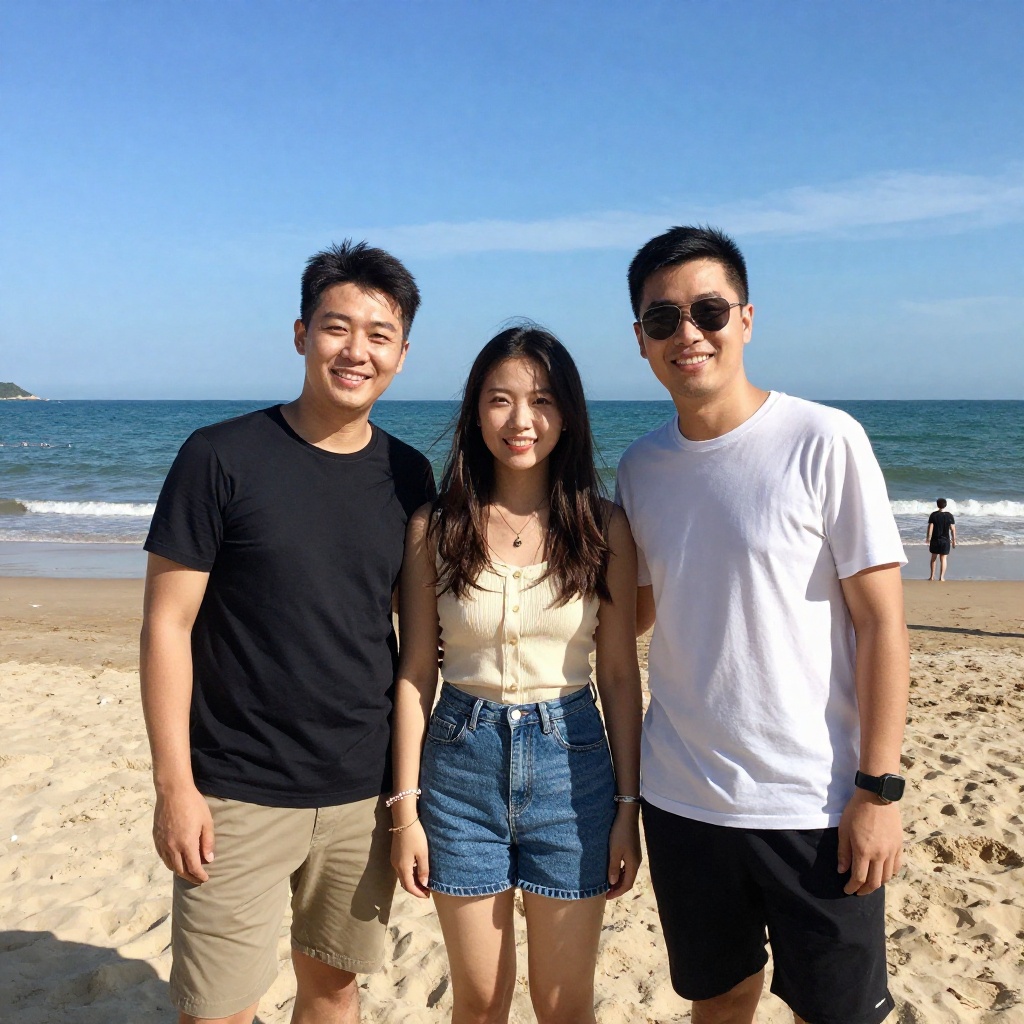
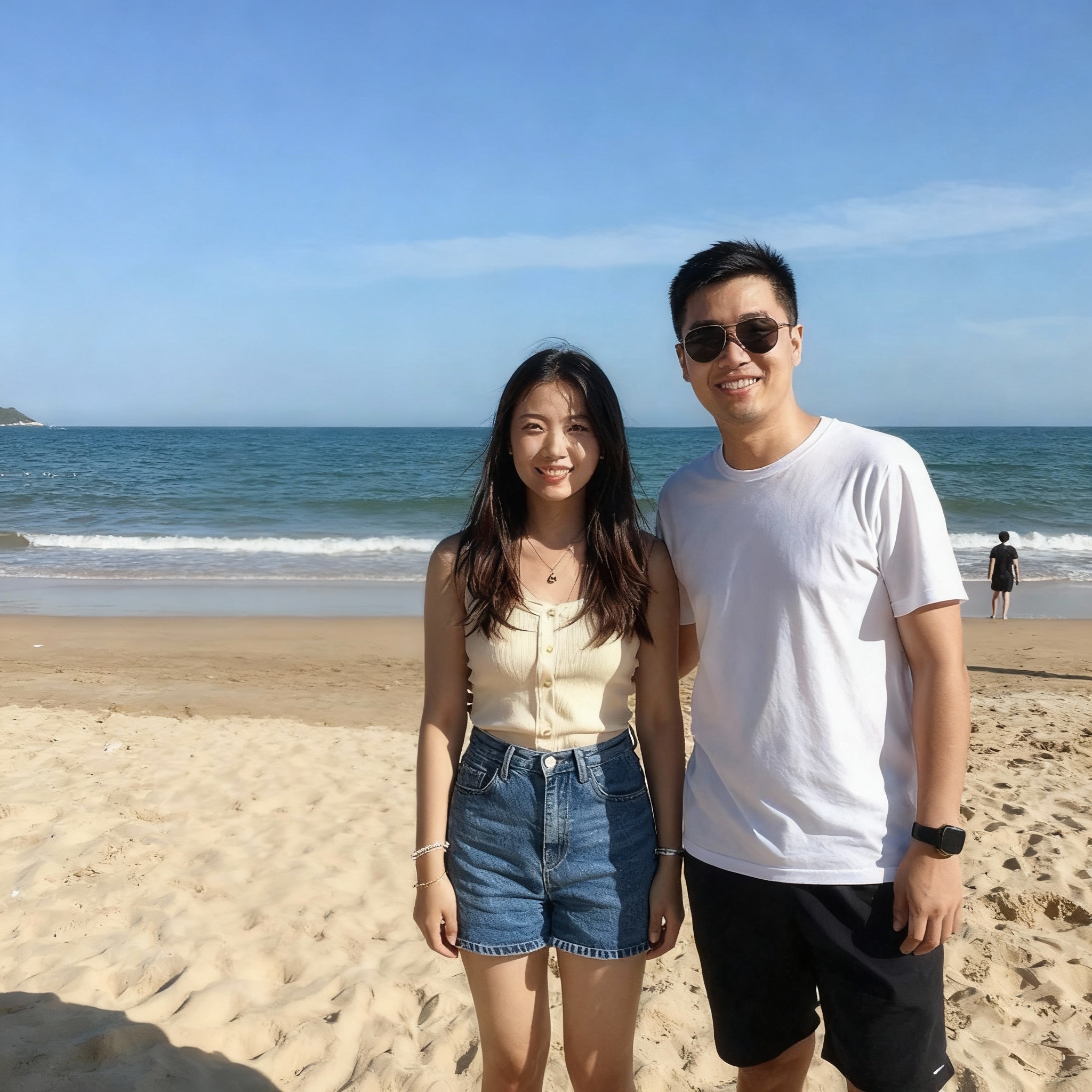
Background Replacer
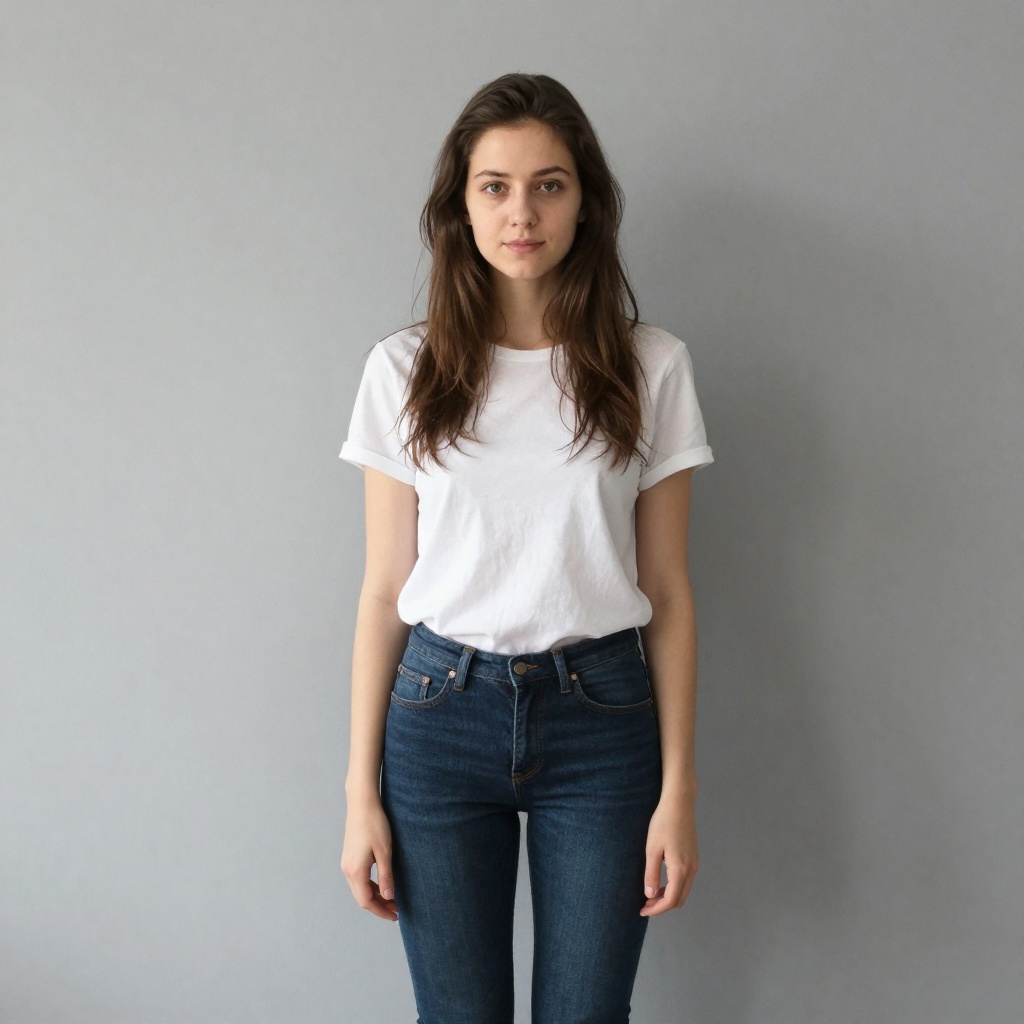
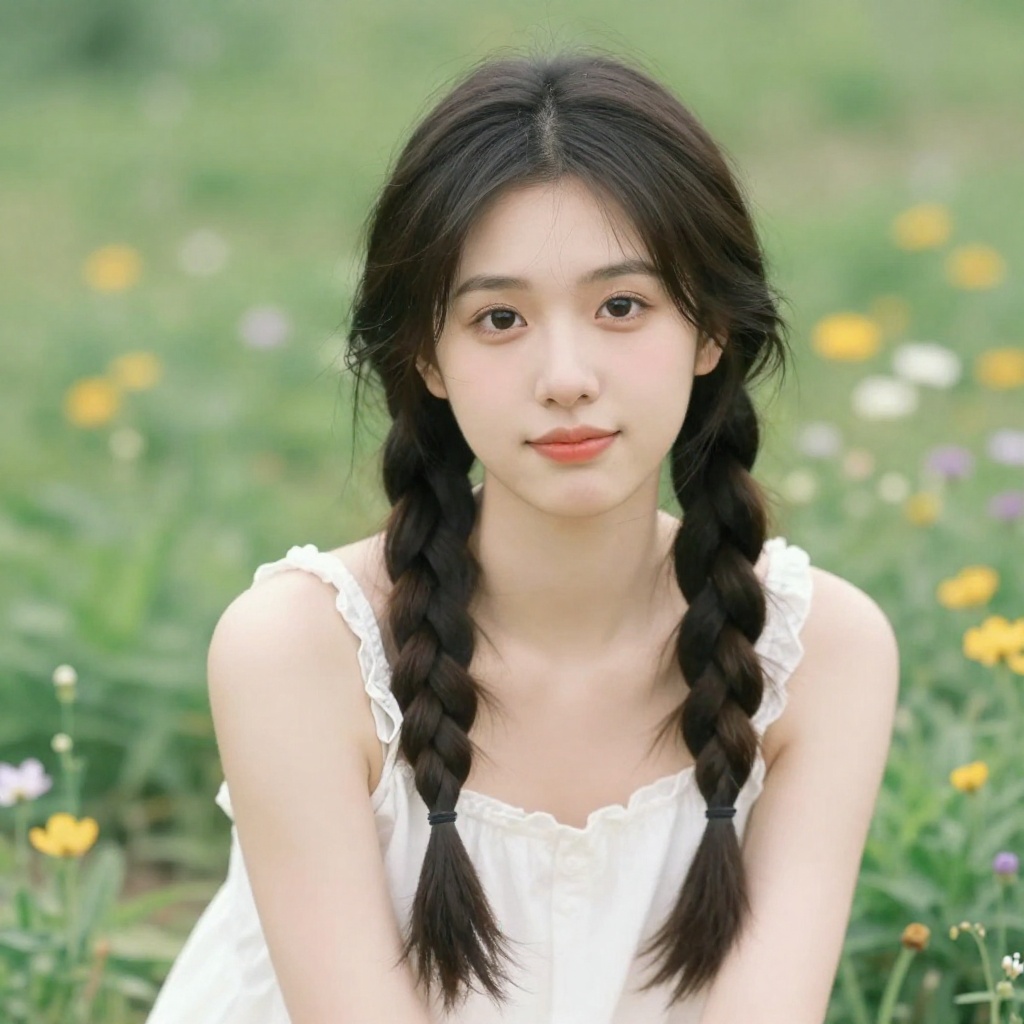
Studio Ghibli

Outfit Changer
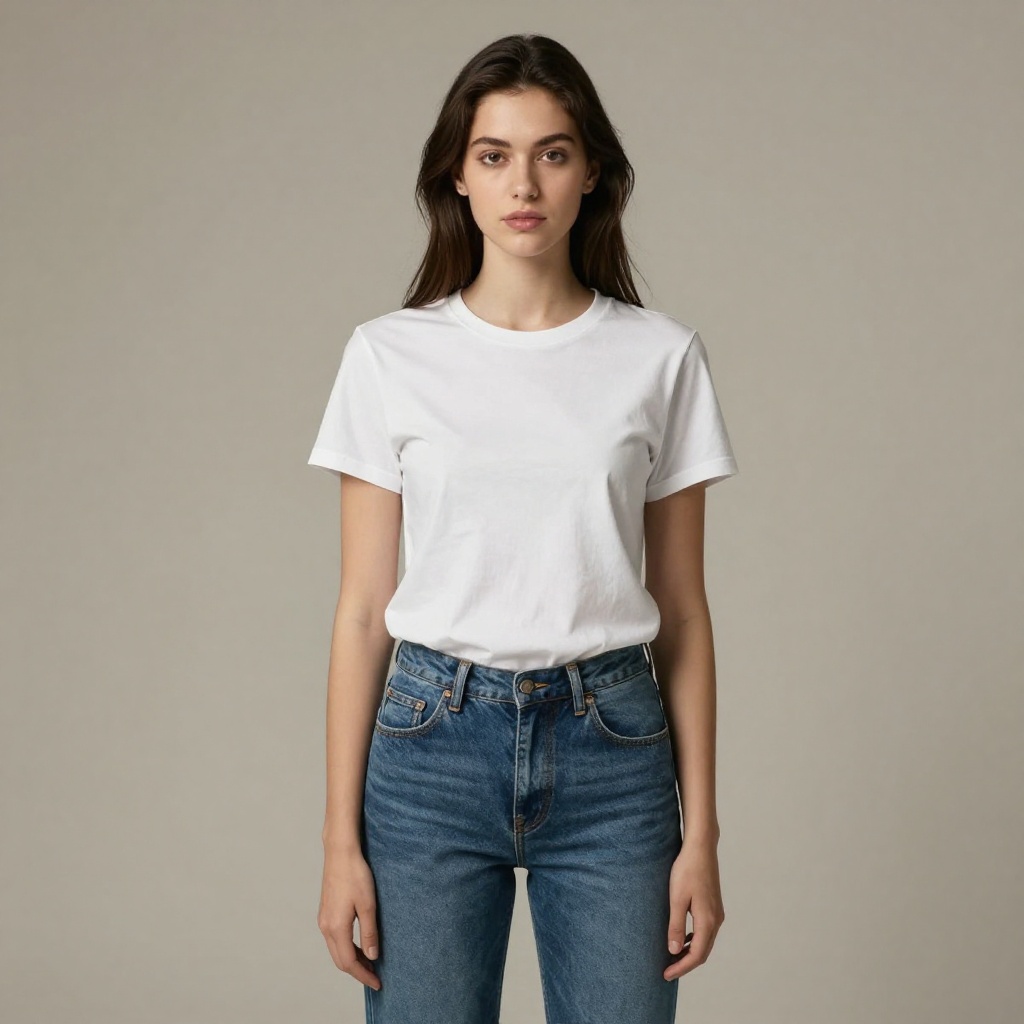

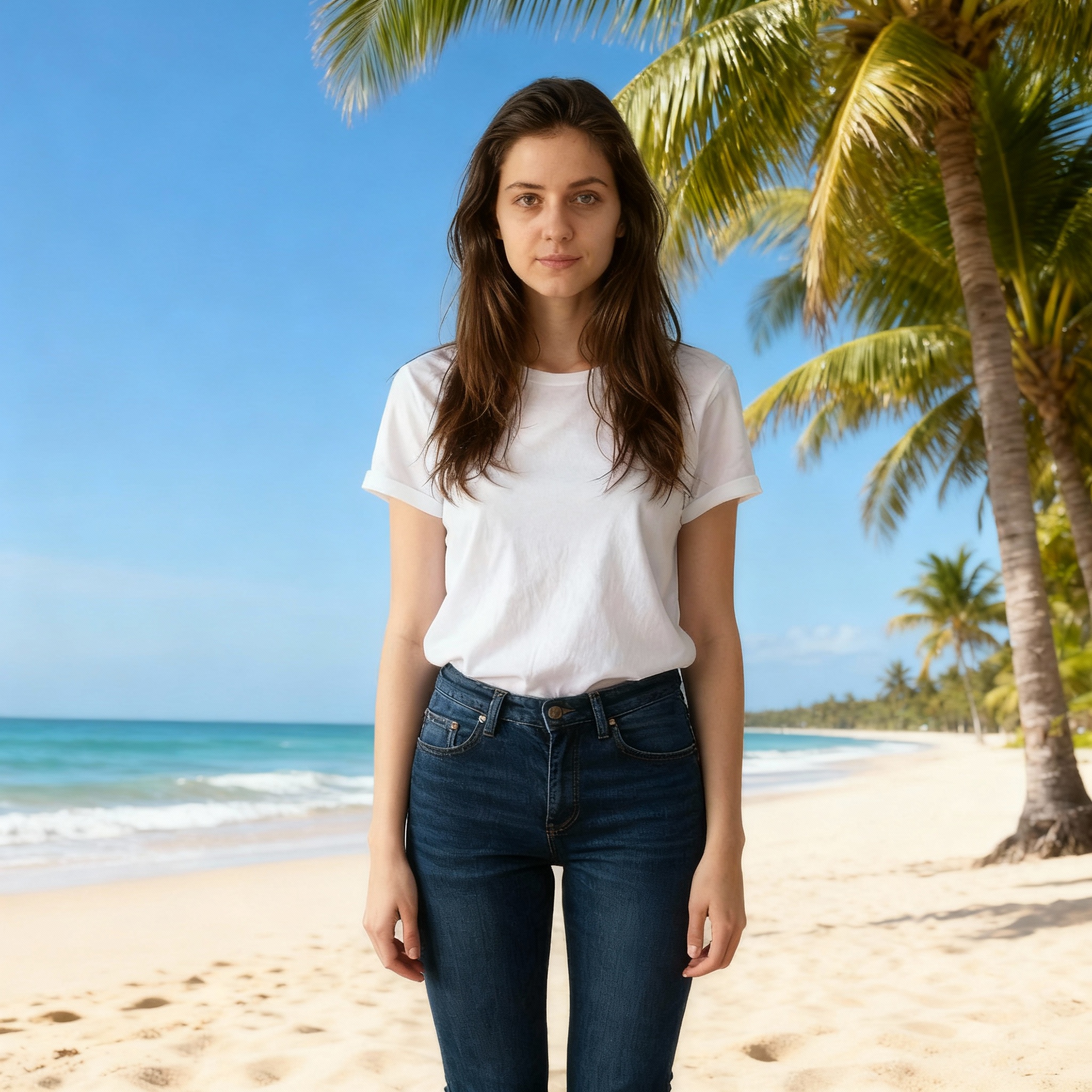
Unlike single-purpose tools, BestPhotoAI offers 8 specialized editing modes: Replace, Restyle, Remove, Re-composition, Add Objects, Restoration, Clothing Replacement, and Concept Transformation. Each mode is optimized for specific tasks, giving you precise control over your edits.
Choose from multiple AI models including GPT Image 1.5 (OpenAI's fastest model with 4x speed), Nano Banana Pro for native 4K output, FLUX.2 for photorealism, or faster models for quick iterations. Includes 40+ free image editing tools, model training for consistent character generation, and commercial usage rights on all plans.
Price: Free tier available | Paid from $14/mo with unlimited access
2. Adobe Firefly – Best for Photoshop Users
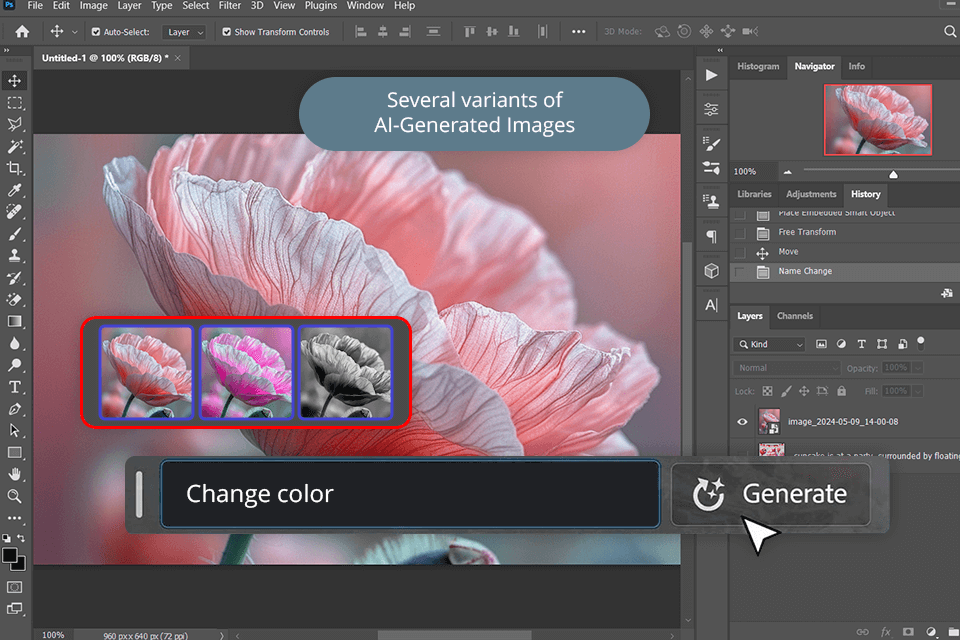
Adobe Firefly powers the AI features in Photoshop, making it the go-to choice for designers in the Adobe ecosystem. The new Image Model 5 (announced at Adobe MAX 2025) generates photorealistic images at native 4MP resolution with unprecedented prompt-based editing capabilities.
The biggest 2025/2026 upgrades include layered image editing that treats objects as separate layers you can manipulate with prompts, new Rotate Object capabilities for converting 2D to 3D perspectives, and integration with third-party models like FLUX.2 from Black Forest Labs. Custom model training lets you create models based on your own art style. In just under two years, Firefly has generated over 22 billion assets worldwide.
Price: Free (25 credits) | Premium $4.99/mo | Express Premium $9.99/mo | Creative Cloud separate
See detailed Adobe Firefly vs BestPhotoAI comparison →3. Luminar Neo – Best for Photographers
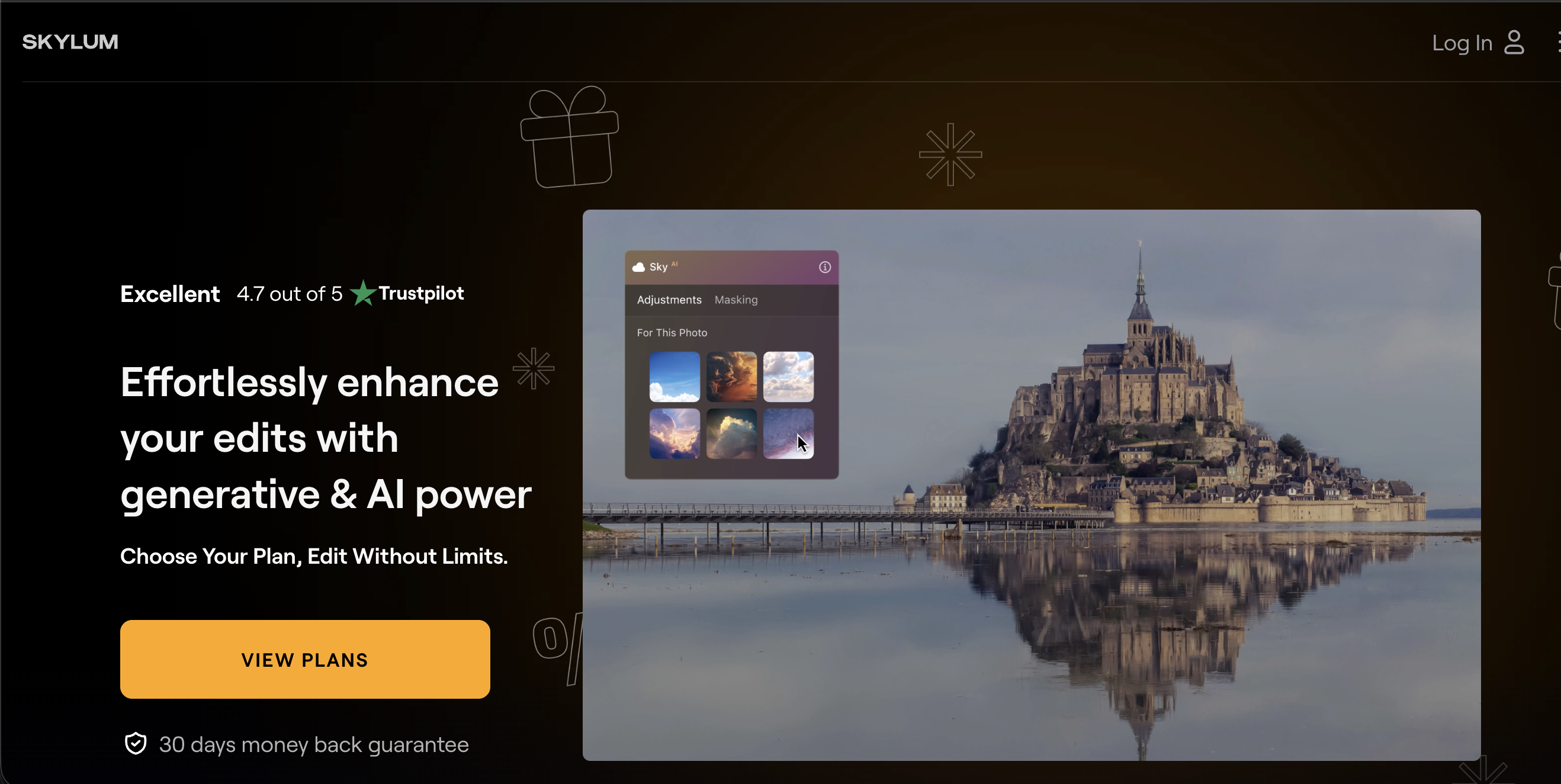
Luminar Neo from Skylum is consistently rated the best all-round editor for photographers. It's equally at home editing landscapes, wildlife, and portraits. The 2025/2026 updates introduced Light Depth, which replaces the old Relight AI with a 3D lighting engine that lets you place virtual light sources inside your image and move them around with natural-looking results.
The platform includes three Generative AI tools: GenErase for removing unwanted elements, GenSwap for swapping elements via prompts, and GenExpand for extending scenes beyond frame edges. The new AI Restoration feature detects cracks, discoloration, and stains in old photos and reconstructs lost details automatically. An AI Assistant analyzes your image and offers creative suggestions when you're stuck.
Price: Perpetual license from $99 | Cross-device $139 | Max $159 | All include 12 months of updates
4. Canva Magic Studio – Best for Social Media
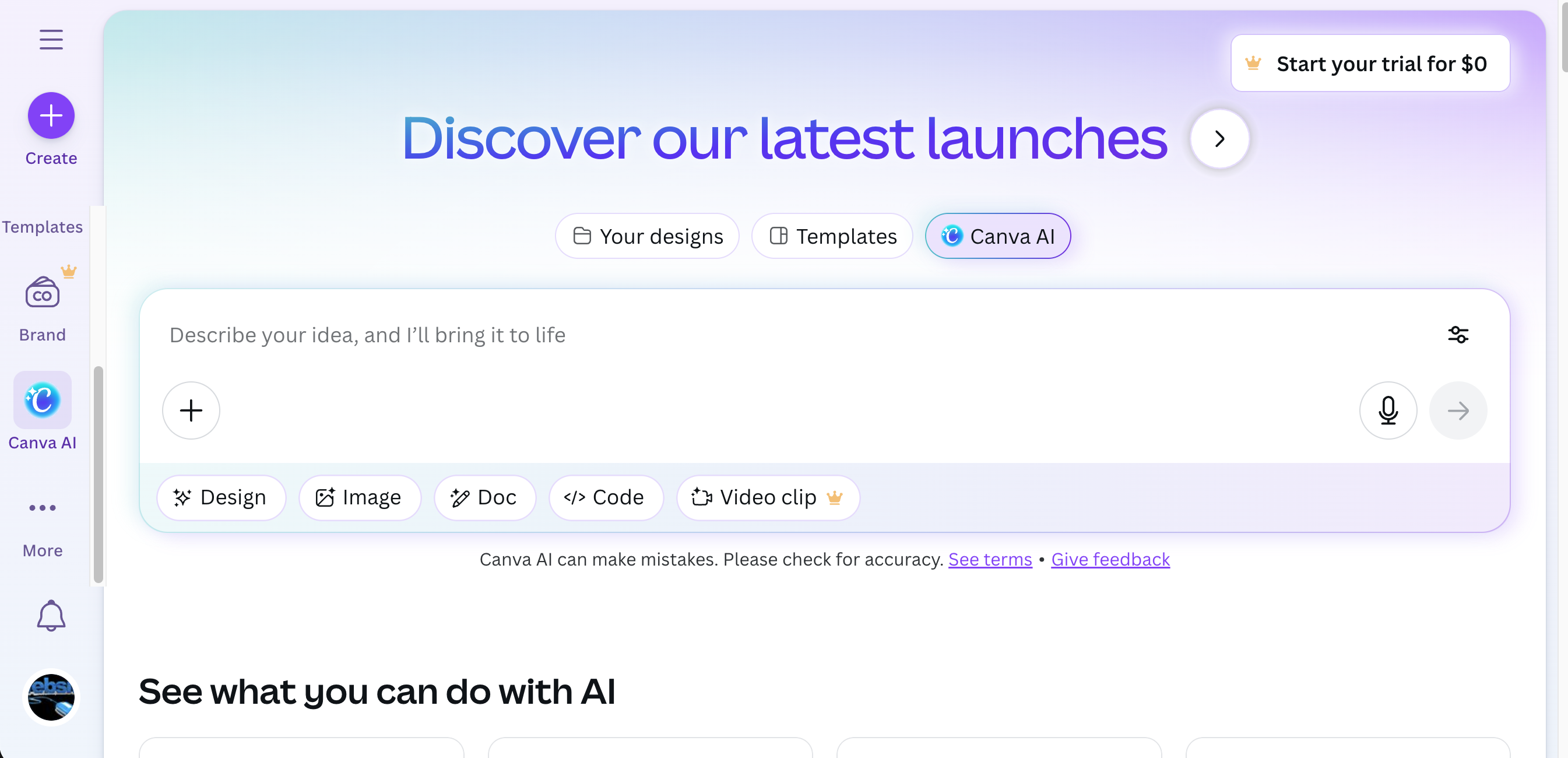
Canva combines design and photo editing with AI features that make it easy for anyone to create stunning content. Since launching Magic Studio in 2023, it's been used over 16 billion times. Magic Edit (powered by Leonardo AI), Magic Grab, Magic Expand, and Magic Eraser handle most common editing tasks with simple brushstrokes and text prompts.
The Photo Editor now includes AI-powered background generation, scene relighting, frame expansion, and object subject manipulation. Thousands of templates make it the fastest path from idea to published post. Access to Magic Edit requires a Pro, Teams, Nonprofits, or Education account, with a fair use limit of 100 uses within 24 hours.
Price: Free (limited AI uses) | Pro from $15/mo for unlimited Magic Studio
5. Pixlr – Best Free Browser Editor
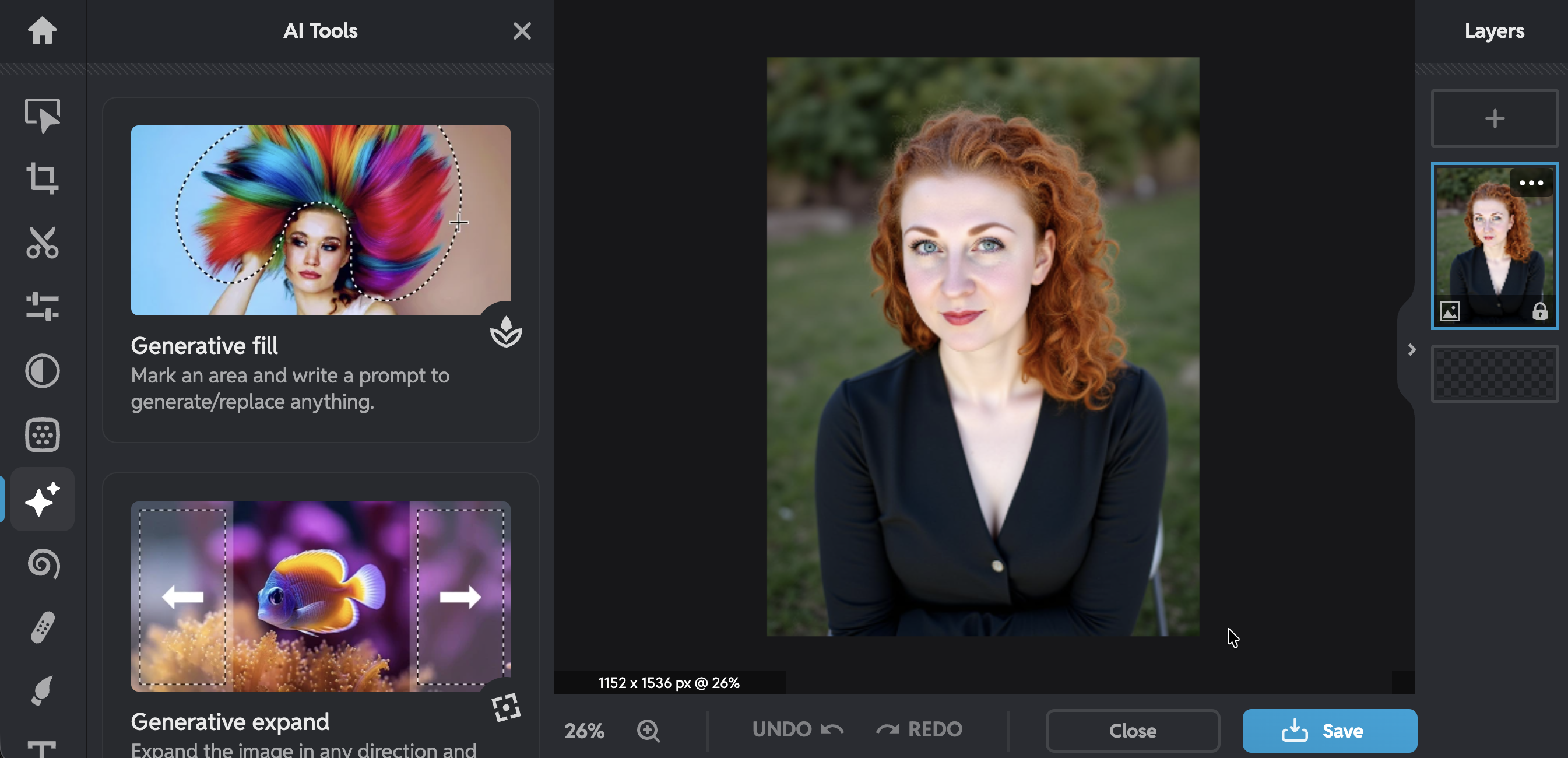
Pixlr delivers professional-grade AI photo editing directly in your browser with no downloads required. The platform now offers 5 main tools: Pixlr Editor for advanced editing, Pixlr Express for quick AI-powered edits, Pixlr Designer for templates and animation, Remove BG for background removal, and Batch Editor for processing multiple images.
AI features include Image Generator, Generative Fill, Background Removal, and Background Changer. The core AI tools remain accessible in the free tier, which is rare among competitors. There's also an option to work offline with limited functionality. Best for users who want capable editing without software downloads or expensive subscriptions.
Price: Free (ads, 3 saves/day) | Plus $1.49/yr or $2.49/mo | Premium $6.49/yr or $9.99/mo
Honorable Mention: Fotor
Fotor remains a solid choice for quick enhancements with over 300 million users. It combines editing, design, and AI image generation with a focus on simplicity. Standout features include batch processing up to 50 images, artistic AI filters (anime, Disney, Barbie), AI video background removal, and cross-platform availability.
Price: Free (limited features) | Pro $3.33/mo | Pro+ $7.49/mo
See detailed Fotor vs BestPhotoAI comparison →Feature Comparison
| Feature | BestPhotoAI | Adobe Firefly | Luminar Neo | Canva | Pixlr |
|---|---|---|---|---|---|
| Starting Price | Free | $4.99/mo | $99 one-time | $15/mo | $1.49/yr |
| Editing Modes | 8 specialized | 4-5 (layered) | 3 GenAI tools | 5-6 | 5 tools |
| AI Models | GPT 1.5, FLUX.2, Nano Banana | Firefly + FLUX.2 | Skylum AI | Leonardo AI | Pixlr AI |
| Max Resolution | 4K (Nano Banana) | 4MP native | Original + 3x upscale | Standard | HD |
| Text Rendering | ✓ (GPT 1.5 / Nano Banana) | ✓ (Image 5) | ✗ | ✗ | ✗ |
| Custom Models | ✓ | ✓ (style-based) | ✗ | ✗ | ✗ |
| 3D Lighting | ✓ | ✓ (Rotate Object) | ✓ (Light Depth) | ✓ (Relight) | ✗ |
| Commercial Rights | All plans | ✓ | ✓ | Pro only | Premium only |
Why Multiple AI Models Matter in 2026
The biggest shift in 2025/2026 has been the move toward multi-model platforms. Even Adobe Firefly now integrates FLUX.2 from Black Forest Labs. Here's why this matters:
Single-model tools (Canva, Pixlr, most others):
- One AI engine: If it struggles with your use case, you're stuck or must sign up for another service
- Fixed capabilities: Text rendering, style accuracy, and editing quality are limited to that model's training
- No specialization: The same model handles portraits, products, and artistic styles — it can't be the best at everything
Multi-model platforms (BestPhotoAI, Adobe Firefly):
- Choose the right model for each task — GPT Image 1.5 for speed, Nano Banana Pro for 4K quality, FLUX.2 for photorealism
- Specialized editing modes optimized for specific transformations (not one generic "edit" function)
- Train custom models on people or products, then generate consistent results across all edits
- Stay current as new models launch — you get access to the latest without switching platforms
This flexibility means you're never limited by one AI's weaknesses. Need perfect text rendering? Use GPT Image 1.5. 4K output? Nano Banana Pro. Quick background swap? FLUX Schnell. Character consistency? Train a custom model. All under one subscription.
What's New in AI Image Editing (2025-2026)
Layered AI Editing (Adobe Firefly)
Image Model 5 treats objects as layers you can edit, resize, and rotate with prompts while preserving the rest of the image.
3D Light Control (Luminar Neo)
Light Depth lets you place virtual lights inside images and move them in 3D space with natural falloff and shadows.
4x Faster Generation (GPT Image 1.5)
OpenAI's latest model delivers the same quality at 4x the speed, making iterative editing practical.
Photo Restoration AI (Multiple)
Automatic detection and repair of cracks, stains, and color fade in old photos with natural detail reconstruction.
What Users Actually Say
We collected real user feedback from reviews, forums, and community discussions. Here's the unfiltered truth about each platform:
On Luminar Neo (Positive):
"Luminar Neo is one of the best all-round editors that's equally at home editing landscapes, wildlife photography and portrait photography. Its AI technology and applications are second to none."
On Luminar Neo (Criticism):
"Many of Luminar's standout tools are either paid extensions or limited by annual access terms, even with a perpetual license. It can be resource-hungry so make sure your editing machine is up to spec."
On Adobe Firefly (Positive):
"Adobe Firefly is a powerful addition to Creative Cloud, giving designers and marketers AI-driven tools that feel native to their workflow. Unmatched in professional integration and brand-safe outputs."
On Adobe Firefly (Criticism):
"Firefly ignores most of my prompt and gives me simple low quality images that don't even make sense. It's not as imaginative as MidJourney or as beginner-friendly as Canva AI."
On Canva:
"Canva has a lot of bugs which can be very annoying and time-consuming. The generated content might display inconsistent color or light direction. Outputs can be blank, unexpected, or more pixelated."
On Pixlr:
"In the free version you have to deal with ads popping up. Some users report the platform doubled their pricing without notice. The daily cap on free saves can disrupt workflow for businesses."
On Fotor:
"Some frustration with the credit-based system and occasional inaccuracies in AI-generated images. Advanced tools are often locked behind a paywall. Prompt accuracy is unreliable, with AI often misinterpreting detailed instructions."
When to Use Each Tool
Choose BestPhotoAI if:
- • You need multiple editing modes
- • Access to latest AI models matters
- • You want model training options
- • Perfect text rendering required
- • Commercial rights on all plans
Choose Adobe Firefly if:
- • You're in the Adobe ecosystem
- • Need Photoshop integration
- • Professional team workflows
- • Layered AI editing is priority
- • Brand-safe outputs required
Choose Luminar Neo if:
- • You're a photographer
- • Prefer one-time purchase
- • Advanced lighting control needed
- • Photo restoration is priority
- • Desktop app preferred
Choose Canva if:
- • Speed is priority over precision
- • Social media content focus
- • Template library is important
- • Team collaboration needed
- • Design + editing in one place
Choose Pixlr if:
- • Budget is tight (nearly free)
- • Browser-only workflow preferred
- • Photoshop-like interface wanted
- • Don't need advanced AI
- • Quick batch processing needed
Final Verdict: Which Should You Choose in 2026?
Choose BestPhotoAI for the complete package:
With 8 specialized editing modes, multiple AI models including GPT Image 1.5 and Nano Banana Pro, model training, and 40+ additional tools, you get capabilities that span across what all competitors offer individually:
- Adobe's strength: Professional quality and precision — we have 4K output with Nano Banana Pro
- Luminar Neo's strength: Photography-focused tools — we have restoration, relighting, and enhancement
- Canva's strength: Speed and ease — we have intuitive editing modes with natural language prompts
- Pixlr's strength: Free tools — we offer 40+ free editing tools
- Plus exclusives: Model training, multiple AI models (GPT 1.5, FLUX.2, Nano Banana), video generation, commercial rights on all plans
Ready to Edit Images with AI?
8 editing modes, GPT Image 1.5 + FLUX.2 + Nano Banana Pro, 40+ free tools, model training, 4K resolution
No credit card required • Free tier available
Related Articles & Tools
Frequently Asked Questions
What's the cheapest good AI image editor in 2026?
Pixlr at $1.49/year offers the best value for basic AI editing. Luminar Neo at $99 one-time is excellent for photographers. For comprehensive features, BestPhotoAI starts free with unlimited paid plans from $14/mo.
Which AI editor has the best text rendering?
BestPhotoAI with GPT Image 1.5 or Nano Banana Pro offers the best text rendering, followed by Adobe Firefly Image Model 5. Luminar Neo, Canva, and Pixlr all struggle with accurate text generation.
Should I choose Luminar Neo or Adobe Firefly?
Luminar Neo is better for dedicated photographers who want a one-time purchase with specialized tools like Light Depth and photo restoration. Adobe Firefly is better if you're already in the Adobe ecosystem and need Photoshop integration.
Can I use AI-edited images commercially?
BestPhotoAI includes commercial rights on all plans. Adobe Firefly is trained on licensed content for commercial safety. Luminar Neo allows commercial use. Canva and Pixlr require paid plans for commercial rights.
Why do some AI editors ignore my prompts?
Single-model platforms have fixed training. If the AI wasn't trained well on your specific request, it guesses. Multi-model platforms like BestPhotoAI and Adobe Firefly let you switch models (including FLUX.2) until you find one that understands your vision.
What's the difference between editing modes?
Generic "AI Edit" tools use one approach for everything. Specialized modes (like BestPhotoAI's 8 modes or Luminar Neo's GenErase, GenSwap, GenExpand) optimize for specific tasks — Remove mode uses different algorithms than Restyle mode, resulting in better results.
Do I need Photoshop skills to use AI image editors?
No. Modern AI image editors use natural language prompts — just describe what you want in plain English. Luminar Neo is particularly beginner-friendly with its AI Assistant that offers guidance. Photoshop skills only help with Adobe Firefly's Photoshop integration.
Ready to Transform Your Photos?
Join thousands of users creating amazing AI-generated photos with BestPhoto